
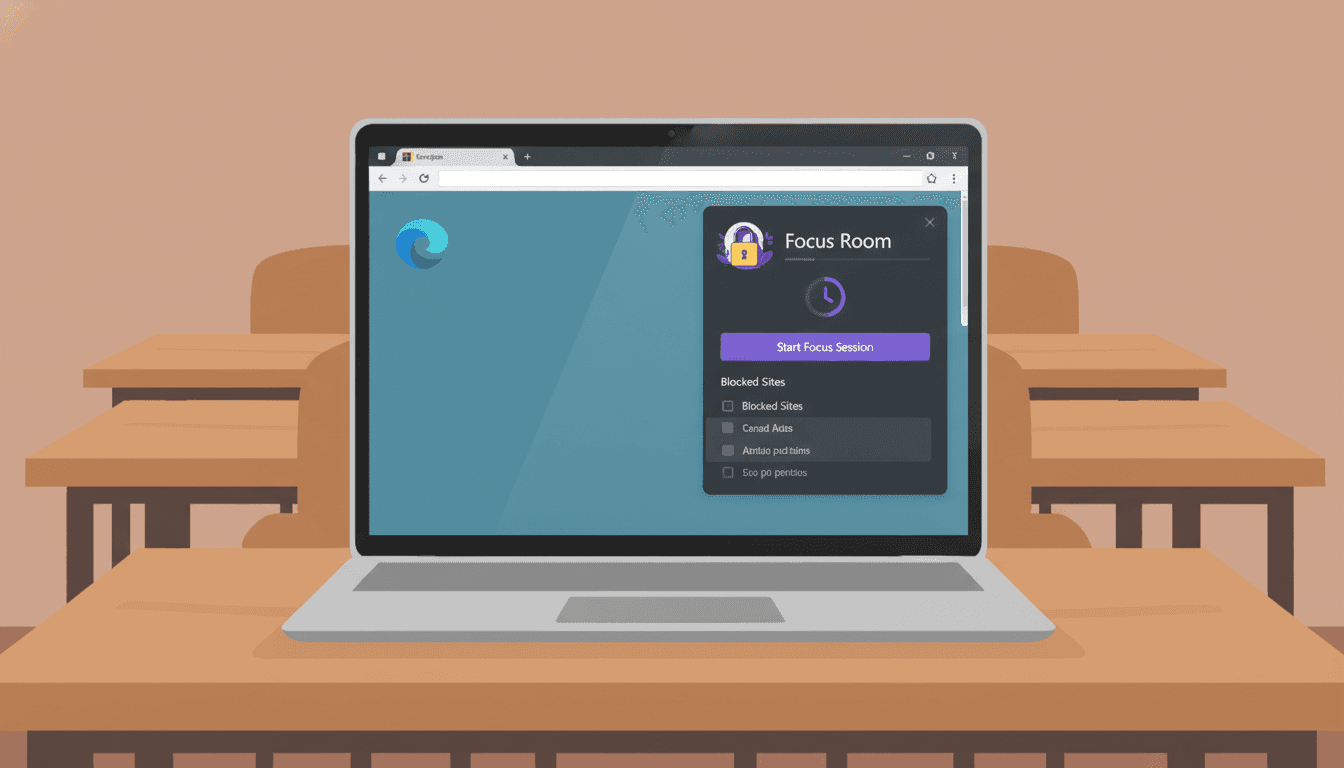
Since the very first version of Focus Room, one question showed up in our inbox more than any other:
"Does this work on Edge?"
Today, the answer is finally yes — and it's official.
Focus Room is now available as an extension on the Microsoft Edge Add-ons Store. We couldn't be more excited to share this, and honestly, we couldn't have built it without the consistent nudging from teachers, instructors, and facilitators who told us, again and again, that Edge is what their school issues. You asked. We built it. Thank you.
Why This Took a Moment (And Why It Was Worth It)
We didn't want to ship a half-baked Edge port just to check a box. Edge has become the default browser in countless school districts and enterprise environments — which means teachers and their students needed something that just works, reliably, without quirks.
So we took the time to build the Edge extension properly, on top of the same Manifest V3 architecture as our Chrome extension. No shortcuts. No "good enough." Full parity.
Everything You Already Love, Now on Edge
If you've used the Focus Room Chrome extension, the Edge experience will feel instantly familiar — because it's the same experience.
For Participants (Students)
- Join with a room code — no account, no login, just a code from your teacher
- See exactly which sites are allowed — no surprises, full transparency
- Graceful blocking — if you navigate to a non-whitelisted site, you'll see a clear message (not a scary error)
- Session-based only — monitoring stops the moment the session ends. Your browser is yours again.
For Hosts (Teachers & Facilitators)
- Real-time monitoring dashboard — see what participants are doing as it happens
- Live violation feed — catch off-task browsing without interrupting your lesson
- Smart tab enforcement — non-whitelisted tabs get blocked automatically when participants join
- Session reports — review activity after class
Everything that made the Chrome extension useful is here. Same permissions model. Same privacy approach. Same non-punitive, transparent philosophy.
How to Get It
Getting started takes about two minutes:
- Open Microsoft Edge and head to the Focus Room page on the Edge Add-ons Store
- Click "Get" to install the extension
- Pin it to your toolbar for quick access
- Enter your room code to join a session — or log in as a host to create one
That's it. No configuration, no IT ticket required (though your IT admin can also deploy it centrally via Edge management policies if your district prefers).
A Note on Privacy
We know that anything monitoring student activity deserves scrutiny — and we welcome it. Focus Room only tracks URLs during active sessions — never content, never screenshots. Monitoring is session-scoped: it begins when a participant joins and ends when the session closes. We've documented everything in our Privacy & Security guide.
The Edge extension follows the exact same privacy model as Chrome. No exceptions.
What's Coming Next
Edge support is a milestone, not a stopping point. Here's what we're working on:
- Firefox support — in progress, coming later this year
- Improved session analytics — richer post-session reports for hosts
- Whitelist templates — pre-built allowed-site lists for common subjects (math tools, research sites, coding environments)
Thank You
Seriously — to every teacher who sent us a "please add Edge" message, filed a feature request, or just patiently waited: this one's for you. Your classrooms run on Edge, and now Focus Room does too.
Have feedback on the Edge extension? We'd love to hear it — reach out at [email protected] or drop a review on the Edge Add-ons Store.