
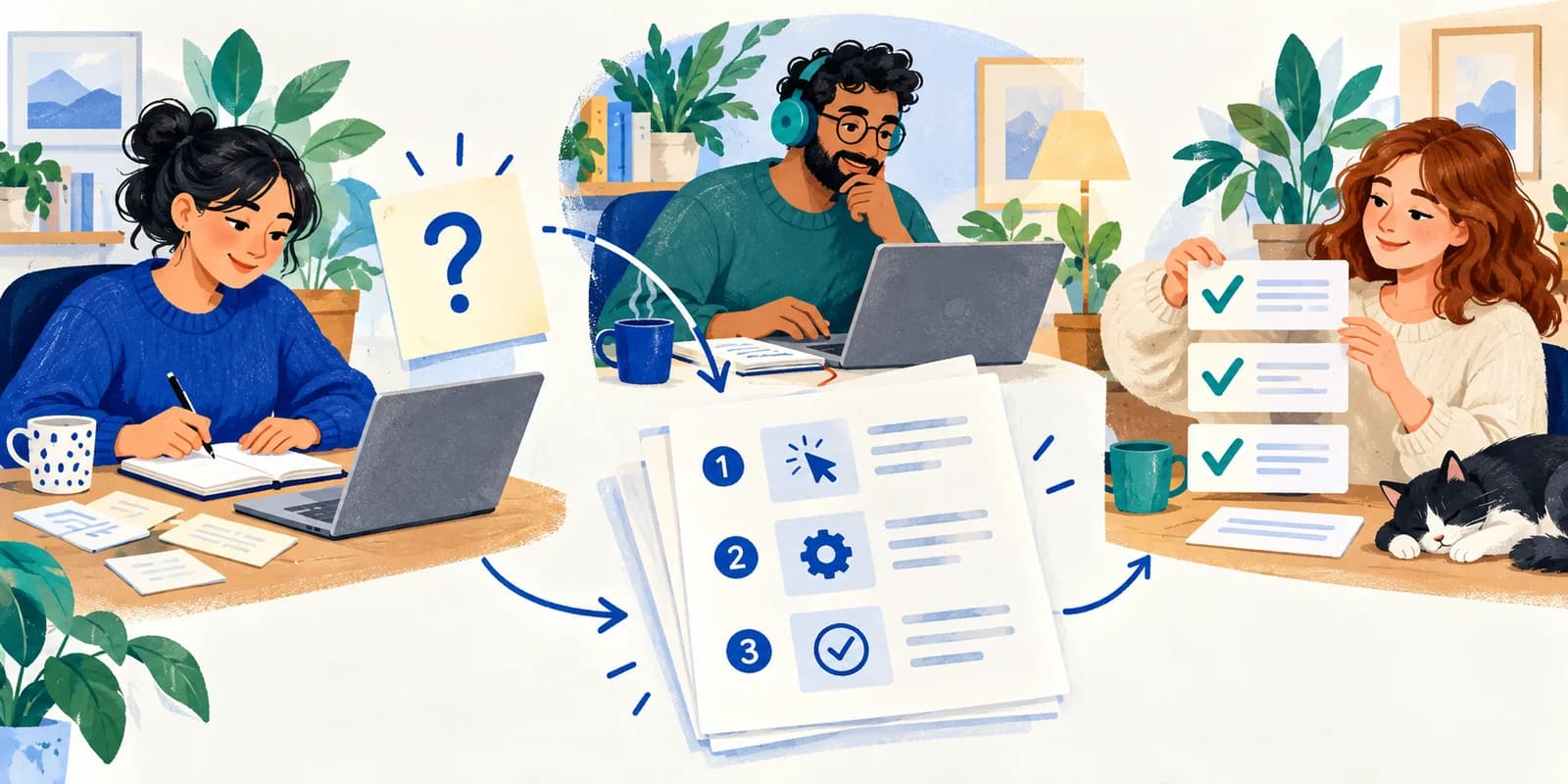
A useful documentation sprint starts with one question someone keeps asking. Choose a bounded task, write down the answer, and ask a teammate to follow it without your explanation. The result you want is a guide another person can use, plus a clear record of anything still unresolved.
For a remote team, this can be a small shared work session with a writer and a tester. Keep your existing document editor and support tools. Focus Room can supply the browser website rules around the work; it does not write, store, or validate the guide.
Pick one question with a visible finish line
Look through recurring internal questions and select one that has a stable answer. For example: “Where is the current onboarding checklist, and how do I request access?” That is narrower than “Document our onboarding process.”
Gather the source information from the person responsible for the process. Check which answer is current before combining old chat replies. Remove customer details and credentials from working examples, and keep private source material in the team's approved workspace.
Define the reader and their starting point. A new teammate may know how to use your document platform but have no idea which folder is authoritative. Google's technical-writing guidance on audience recommends accounting for what readers already know and what they still need to accomplish the task.
Write a one-sentence scope statement: “This guide helps a new teammate locate the approved checklist and request access.” Put broader topics, such as completing every onboarding task, on a separate follow-up list. Google's guidance on document scope provides a useful reference for keeping that boundary clear.
Give the writer and tester different jobs
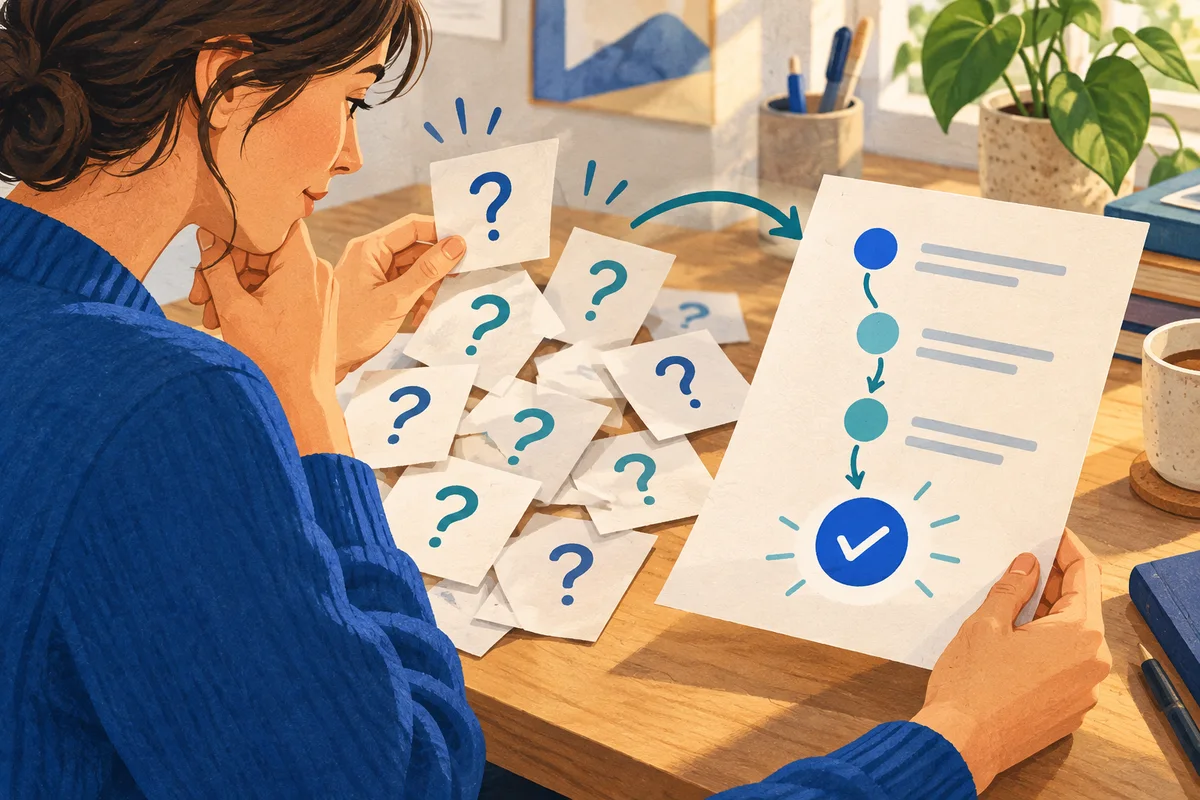
The writer checks the source, drafts the instructions, and identifies uncertainties. The tester follows the draft from the intended reader's starting point and records where they need to guess.
Choose a tester with appropriate access who is less familiar with the task. If both people know the procedure well, ask a newer teammate to review it later and record that limitation. Do not call a guide newcomer-tested when only its author has used it.
During testing, let the tester describe what they expect to happen. If the writer has to explain a missing step aloud, capture that explanation as a possible edit. Avoid changing access or performing the task for the tester without recording why.
Draft the shortest complete procedure
Begin with the intended result, required access, and starting link. Then write actions in the order the reader will perform them. Add an observable checkpoint where a wrong turn would otherwise go unnoticed.
For the checklist example, “Open the folder and use the latest version” leaves several decisions unstated. A more useful template is:
Open [canonical checklist link]. Confirm that the title is [approved title] and the revision matches [current revision]. If access is denied, request access through [owner or channel] and include the page link. Continue only after access is approved.
The bracketed fields are placeholders for your team's real information. Replace and verify each one before sharing the guide. This is an illustrative template, not a description of a Focus Room feature or an actual team's process.
Include the expected endpoint: the reader can open the approved checklist, or knows where their access request is waiting. Link to the authoritative document instead of copying it into a second location that someone must maintain.
Test the instructions before handing them off
Ask the tester to start from the guide's first link using their normal authorized account. Check the main path and one realistic alternative, such as access being denied. Use an approved test account if that branch needs different permissions; do not remove someone's working access to manufacture a test.
Record the step, what happened, and what information would have prevented the pause. These are example checks for the checklist guide:
| Possible pause | Information to add | What to recheck |
|---|---|---|
| The link opens an access-denied page. | Who handles access requests and what to include. | The tester can find the approved request route. |
| Two documents look current. | The canonical link and a way to identify the approved revision. | The tester selects the intended document without guessing. |
| The tester cannot tell whether the task is finished. | The expected endpoint and any waiting state. | The tester can explain the result and next action. |
Repair the observed ambiguity, then have the tester repeat the affected path. Record what remains untested. A successful walkthrough with one account does not establish that every role has the same permissions.

Keep the browser session usable
If the team uses Focus Room, whitelist the domains needed for the document editor, source material, support system, and browser-based call. Test sign-in and linked resources before the sprint. The website setup guide explains how to check a complete workflow, and the joining guide covers the Chrome and Edge extension route.
Explain that the host can see participation information and reported off-list website events. Ask participants to save unrelated tabs before joining, because existing off-list tabs may be redirected. Agree on another participation route if someone cannot use the extension.
During an active session, Focus Room can redirect off-list visits in the participating browser. Its rules apply to hostnames and their subdomains, not individual documents. It depends on the extension remaining active and does not control other browsers, devices, or desktop apps.
Document permissions, editing, task tracking, and instruction testing remain in your team's tools. Focus Room does not capture screens or inspect the guide's contents. Website events cannot show whether the instructions are correct.
Hand off the guide and its limits
Before ending, add the guide's owner, last verification date, known limits, and escalation route. Decide what should trigger another review, such as a permission change or a replacement document. Put unresolved questions into a follow-up task with an owner.
Link the guide from the place where people ask the recurring question. Keep the test notes available to its maintainer. End the Focus Room session when the focused work period finishes and confirm participants have left.
To try this approach, create a Focus Room account, select one recurring question, and invite a writer and tester to finish one guide together.