
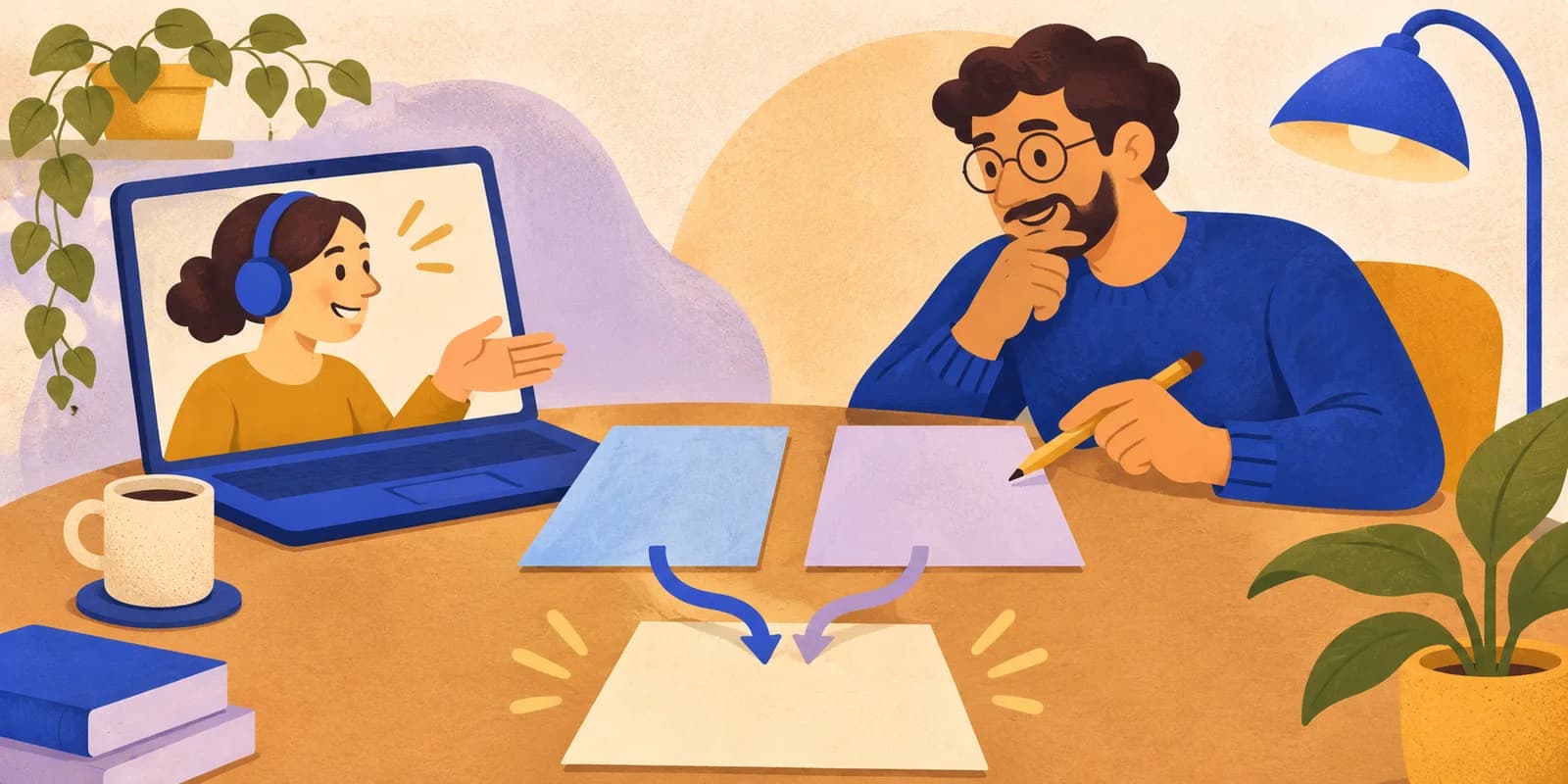
A learner can remove every conflict marker and still lose an important part of a teammate's change. Give an online Git lesson a concrete goal: explain both edits, write the intended final content, and check what the merge commit actually records.
This exercise creates a conflict in one line of a fictional session plan. It uses a new local practice repository with no remote. Learners need Git with switch and init -b support, a POSIX-style shell such as Git Bash, and basic familiarity with staging and commits.
Plan about 30 minutes: five for setup, ten to create and inspect the conflict, ten to resolve and verify it, and five for a learner explanation. A tutor can screen-share the terminal while learners predict each state, or pairs can take turns driving. The online pair-programming guide offers a simple role structure.
Create a separate practice repository
Begin outside any existing project. Run this line by itself and continue only if both directory creation and navigation succeed. If the name already exists, stop and choose a new practice folder.
mkdir git-merge-practice && cd git-merge-practice
Confirm the terminal is in that new folder. Then initialise the repository and set a local practice identity. These settings apply to this repository.
git init -b main
git config user.name "Practice Learner"
git config user.email "[email protected]"
git config commit.gpgsign false
git config merge.conflictStyle merge
git config rerere.enabled false
printf 'Session plan: solve one problem.\n' > plan.txt
git add plan.txt
git commit -m "Add initial session plan"
The conflict-style setting selects the marker format described below. Disabling recorded-resolution reuse keeps this exercise focused on a manual resolution.
Ask the learner what is committed at this point. There is one file containing one sentence, and the current branch is main. Keep all remaining commands in this practice repository.
Make two different edits to the same line
Create a branch that changes how learners will work:
git switch -c add-pair
printf 'Session plan: solve one problem in pairs.\n' > plan.txt
git add plan.txt
git commit -m "Add pair work to the plan"
Now return to main and add a different requirement:
git switch main
printf 'Session plan: solve one problem and explain the result.\n' > plan.txt
git add plan.txt
git commit -m "Add an explanation to the plan"
Before merging, ask each learner to state the two intentions. The add-pair branch introduces pair work. The main branch requires an explanation of the result. Agree that the final session plan should include both.
Run the merge as its own step:
git merge add-pair
For this exercise, expect a content-conflict message and a nonzero exit status. Git pauses the merge for a resolution. That expected result is the teaching moment; inspect the state before continuing.
The Pro Git chapter on basic branching and merging explains this same-line conflict case and how Git leaves the merge unfinished while the conflicting content is resolved.
Read the conflict before editing
Use the terminal to inspect the file and its status:
git status --short
cat plan.txt
The short status should include UU plan.txt, indicating an unmerged file modified on both sides. The Git status reference documents these two-letter codes.
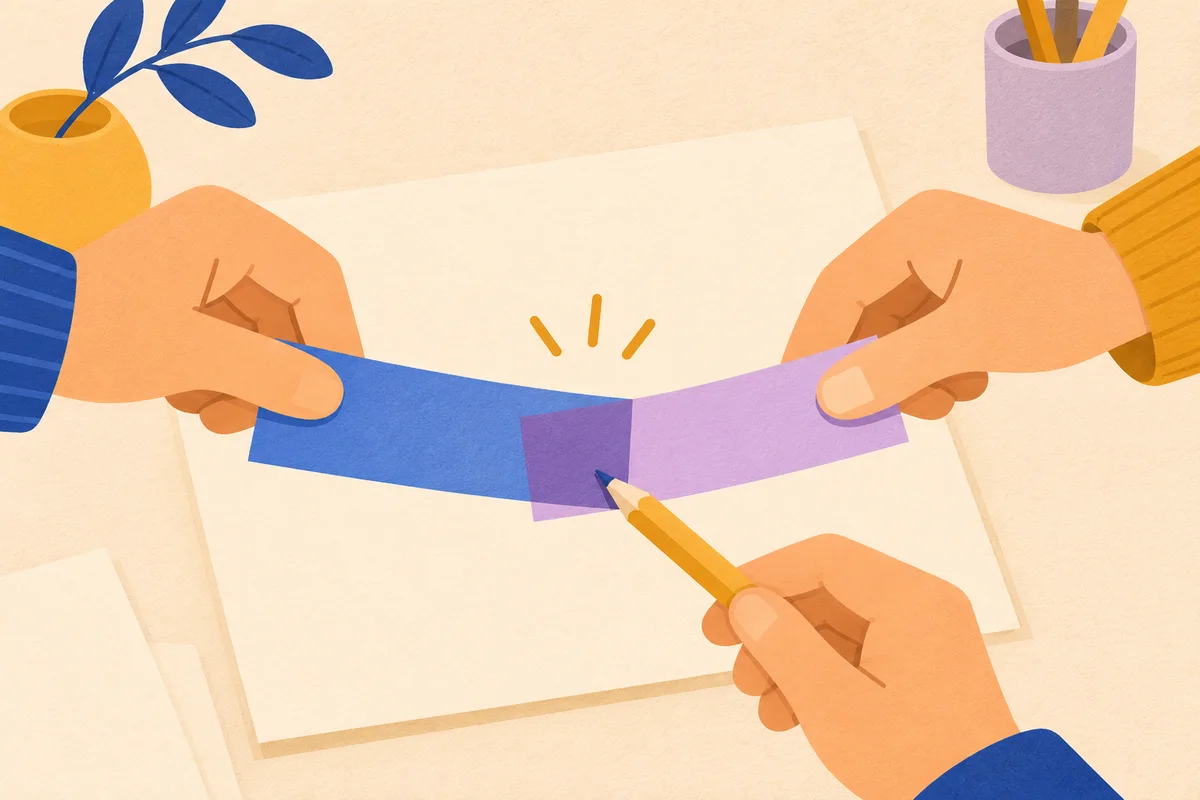
In the file, the opening marker <<<<<<< HEAD introduces the current branch's text: “Session plan: solve one problem and explain the result.” The separator ======= divides the alternatives. Below it is “Session plan: solve one problem in pairs.” The closing marker >>>>>>> add-pair names the incoming branch.
Ask learners which branch was checked out when the merge started. Here, HEAD refers to main. Then ask what would be lost by keeping only the upper text or only the lower text. Have them propose the final sentence aloud before touching the file.
Choosing the combined wording is a decision about this fictional requirement. In a real project, the person resolving a conflict may need to ask the authors what the resulting behaviour should be.
Write and inspect the intended resolution
Replace the conflicted contents with the agreed sentence. In this one-line exercise, the following command rewrites the whole file:
printf 'Session plan: solve one problem in pairs and explain the result.\n' > plan.txt
cat plan.txt
git diff -- plan.txt
Check the visible sentence against both intentions. The conflict markers should be gone, pair work should remain, and the explanation requirement should remain.
Stage this specific file and inspect what will be recorded:
git add plan.txt
git status
git diff --cached -- plan.txt
git diff --cached --check
Git should report that conflicts are fixed while the merge is still in progress. Staging marks the file as resolved in Git; it does not establish that the chosen wording is correct. Read the staged diff together. It should add pair work to the sentence already on main.
The Pro Git chapter describes editing the final content, staging the resolved file, checking status, and committing to complete the merge. Use those separate steps so learners can explain each state.
Complete the merge and verify the committed file
Once the staged content is agreed, commit it and inspect the result:
git commit -m "Merge pair work and explanation requirements"
git status --short
git show HEAD:plan.txt
git log --oneline --graph --all
The short status should print nothing. The committed file should contain exactly:
Session plan: solve one problem in pairs and explain the result.
Ask a learner to trace the two branch paths into the merge commit in the graph. Commit identifiers vary between runs. Finish with three questions: What caused the conflict? Which intentions did the resolution preserve? What did staging do, and what did the final commit do?
For a later code-based exercise, have learners check behaviour as well as text. The beginner code-review guide gives a structure for discussing a small change.
If you use Focus Room for the browser-based parts of the lesson, allow the call, documentation, and shared-note hostnames needed in the participating browser during an active extension session. Hostname rules include subdomains, so review the allowed hosts and test the resource route. The local Git exercise and its feedback stay in your teaching tools. The classroom website-policy guide can help you prepare that small resource set.