
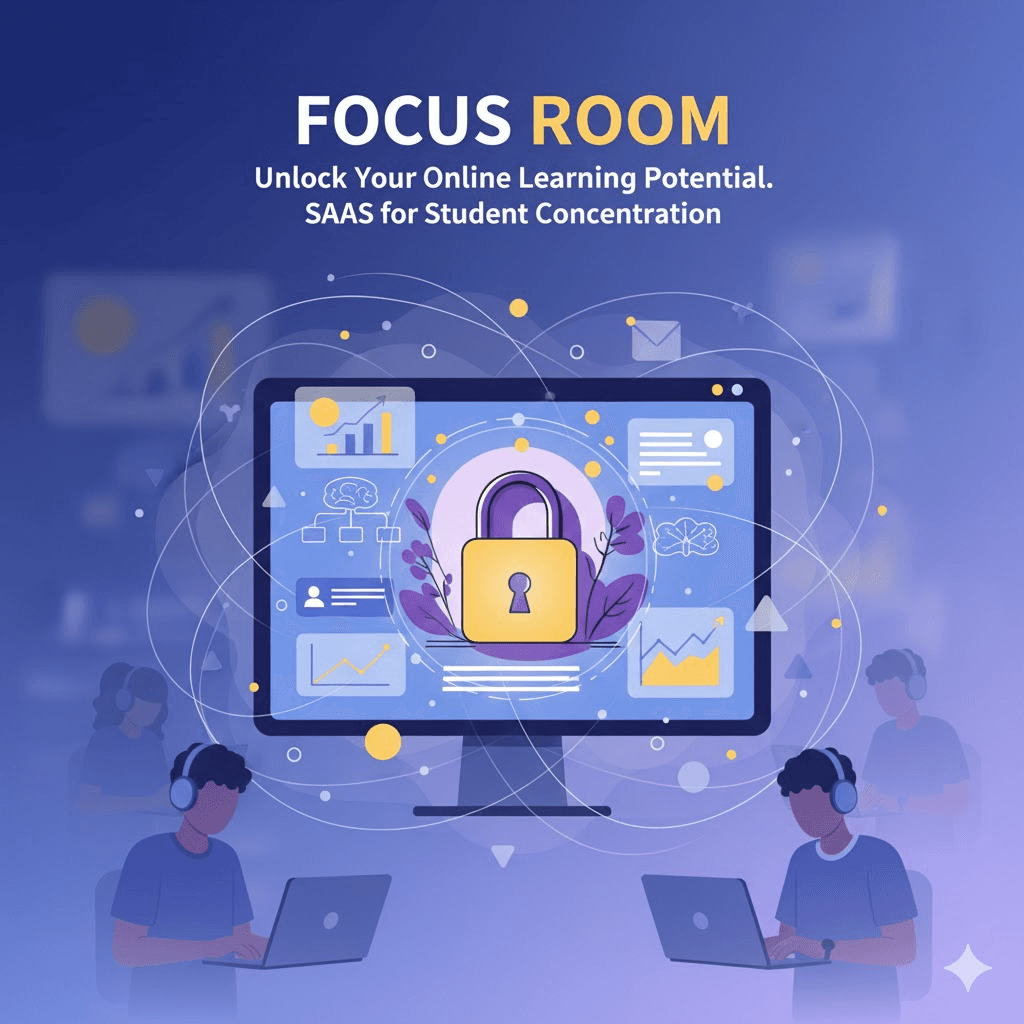
Today, we're officially launching Focus Room 0.1.0—a session monitoring tool designed to help hosts create focused, distraction-free online environments.
After months of development and testing with facilitators, we're ready to help hosts everywhere manage their virtual sessions more effectively.
What is Focus Room?
Focus Room launched as a Chrome extension and web application that helps hosts manage website access during online sessions. Hosts create rooms with a whitelist of approved sites. Participants join with a room code, and the extension applies those rules in the browser.
The core idea: Remove digital distractions during session time so participants can focus on what matters.
Key Features in Version 0.1.0
For Hosts (Web Application)
Room Management
- Create unlimited monitoring rooms
- Each room has a unique 6-character code
- Customize room names for different sessions or groups
- Edit or delete rooms anytime
Website Whitelisting
- Add approved websites to your room's whitelist
- Quick-add suggestions for popular productivity sites
- Edit whitelists before or during active sessions
- Changes sync to participants within 60 seconds
Real-Time Monitoring Dashboard
- See all active participants in your room
- Live activity feed showing violation attempts
- Timestamp for each violation (which site, which participant, when)
- At-a-glance statistics (total participants, total violations, session duration)
Session Reports
- Detailed reports for every completed session
- Participant list with join/leave times
- Individual violation counts per participant
- Most frequently blocked sites
- Export to CSV for record-keeping
Simple Account Management
- Free account creation (no credit card required)
- Manage all your rooms from one dashboard
- Secure authentication
For Participants (Chrome Extension)
Easy Room Joining
- Install extension from Chrome Web Store
- Enter host's room code
- Provide name (no account needed)
- Start focusing
Clear Visibility
- See which websites are allowed
- Status indicator showing when monitoring is active
- One-click to leave room when session ends
Friendly Blocking
- Blocked sites show helpful message (not punitive)
- Display of approved alternatives
- Clear explanation of why sites are blocked
Privacy Protection
- Only monitors during active sessions
- No tracking outside of session time
- No personal data collection beyond name and URLs
How It Works
1. Host Setup (5 minutes)
- Create free account at focusroom.pro
- Create a room and add whitelisted sites
- Share room code with participants
2. Participant Setup (2 minutes)
- Install Chrome extension
- Enter room code
- Join session
3. During the Session
- Participants access only whitelisted sites
- Host monitors activity in real-time
- Violations trigger immediate alerts
4. After the Session
- Host reviews session report
- Participants regain normal browsing
- Data available for future reference
Design Philosophy
We built Focus Room with three core principles:
1. Privacy First
- Session-based monitoring only
- Minimal data collection
- No third-party sharing
- Transparent about what we collect
2. Simple to Use
- No IT department needed
- Quick setup for hosts
- Zero barriers for participants
- Intuitive interface
3. Honor System Approach
- Participants can use other browsers or devices
- Focus on cooperation, not enforcement
- Productivity tool, not security system
- Works best in supportive environments
Who Is Focus Room For?
Perfect for:
- Remote team leads managing focus sessions
- Workshop facilitators and trainers
- Study group organizers
- Coworking space coordinators
- Any host needing help maintaining participant focus
Works great in:
- Live online sessions
- Hybrid work environments
- Virtual workshops and training
- Group study sessions
- Remote collaboration time
Not ideal for:
- High-stakes testing (use dedicated proctoring software)
- 24/7 monitoring (we're session-based only)
- Mandatory enforcement (works best with cooperative participants)
Technical Details
Platform support at the 0.1.0 launch:
- Chrome browser (desktop) on Windows, Mac, Linux, Chromebooks
- Edge support arrived later; see the Microsoft Edge announcement
- Firefox support (planned for future release)
System Requirements:
- Chrome browser version 90 or higher
- Internet connection for real-time syncing
- Host account (web application)
- Participant extension (no account needed)
Infrastructure:
- Built with React/Next.js frontend
- Node.js backend with WebSocket support
- PostgreSQL database with Supabase
- Real-time notifications
- Secure data transmission (HTTPS)
Pricing
Focus Room 0.1.0 is completely free for hosts and participants.
- No credit card required
- No premium tiers
- No hidden costs
- Unlimited rooms and sessions
- Full access to all features
We built Focus Room to support productivity, not to profit from it.
What's Coming Next
Version 0.1.0 is just the beginning. Here's what we're working on:
Short-term (next 3 months):
- Browser support for Edge and Firefox
- Scheduled sessions (set start/end times)
- Recurring rooms (same code for regular sessions)
- Mobile companion app for hosts (monitor on phone/tablet)
- Enhanced reporting (trends over time, comparison charts)
Medium-term (6 months):
- Integration with popular productivity tools
- Room templates (save common whitelists)
- Participant engagement insights
- Team dashboard (optional group monitoring)
- Multi-language support
Long-term (12 months):
- AI-powered focus recommendations
- Collaborative whitelists (share between hosts)
- Organization-level administration tools
- API for third-party integrations
Have feature requests? Let us know at [email protected]
Getting Started Today
Ready to try Focus Room?
For Hosts:
- Visit focusroom.pro
- Create your free account
- Set up your first room
- Share the code with participants
For Participants:
- Install the Focus Room extension for Chrome or Microsoft Edge
- Enter your host's room code
- Start focusing
Need help?
- Email support: [email protected]
Thank You
Focus Room exists because facilitators told us they needed better tools to manage online sessions. We listened, built, and iterated based on your feedback.
Special thanks to the hosts who tested early versions and helped shape what Focus Room became. Your insights made this product what it is today.
We're excited to see how you use Focus Room to create better focused environments for your participants.
Welcome to Focus Room 0.1.0. Let's build focused sessions together.
Questions, feedback, or feature requests? Email us: [email protected]
We'd love to hear from you.
— The Focus Room Team