
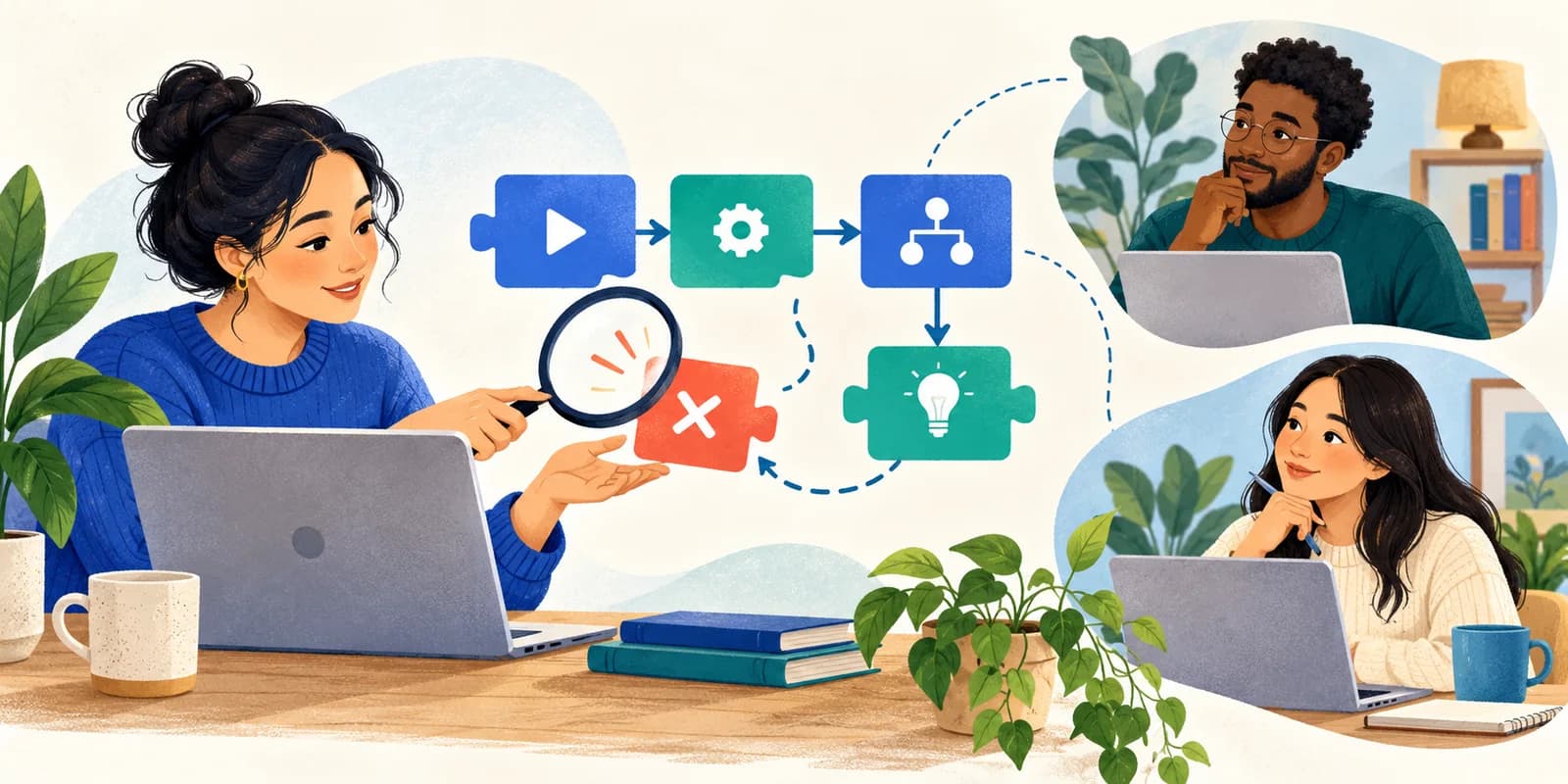
A beginner changes three lines, refreshes the page, and sees a different error. Now the group has two problems: the original bug and uncertainty about which change mattered.
For an online debugging session, give learners a smaller goal: reproduce one failure, explain a likely cause, run one experiment, and verify the fix. The tutor's role is to keep that investigation visible, rather than take over the keyboard.
The format below is a suggested 45-minute lesson for tutors and coding bootcamps. Focus Room can provide the browser website rules around the lesson. Your editor, runtime, and meeting platform provide the coding and discussion tools.
Prepare one small failure
Choose an exercise that runs in the environment learners already know. Save a starting copy so everyone can return to the same failure. Remove credentials and personal data from anything you share, and test the exercise before class.
Agree on what correct behavior looks like. “The app works” is hard to check. “This function turns three lowercase color names into three uppercase names” gives the group an observable result.
For browser-based JavaScript, MDN's debugging guide explains how the console, diagnostic logging, and a debugger help investigate errors. Share that reference as an optional explanation of the tools; the session itself should stay focused on one failure.
Run a 45-minute debugging investigation
- Minutes 0–5: Define the behavior. Show the input, the expected output, and how to run the exercise. Ask learners to keep a note with four lines: reproduction, hypothesis, experiment, result.
- Minutes 5–12: Reduce the example. Remove unrelated styling, data, and code while checking that the failure still happens. Keep a working copy of the original. If removing something makes the bug disappear, that is useful evidence too.
- Minutes 12–17: Compare expected and actual. Record the exact input, visible output or error message, and the action that triggers it. Distinguish observations from guesses about the cause.
- Minutes 17–24: Choose one hypothesis. Ask what observation would support it. Keep other possibilities in the note, but investigate one at a time.
- Minutes 24–31: Run an experiment. Inspect a value, add a diagnostic log, or change one condition. Predict the result before running it. Avoid combining a logic change with an unrelated rewrite.
- Minutes 31–38: Inspect the execution. Use the console's error location and, where useful, a breakpoint to inspect values before the failing statement. Ask learners to explain what they see.
- Minutes 38–45: Verify and explain. Rerun the original input, then check a nearby case. Finish with a short explanation linking the cause, change, and evidence.
A small group can take turns as the person running the code and the person proposing the next check. Ask the rest of the group to predict the result before anyone executes it. This gives learners a task while another person has the keyboard.
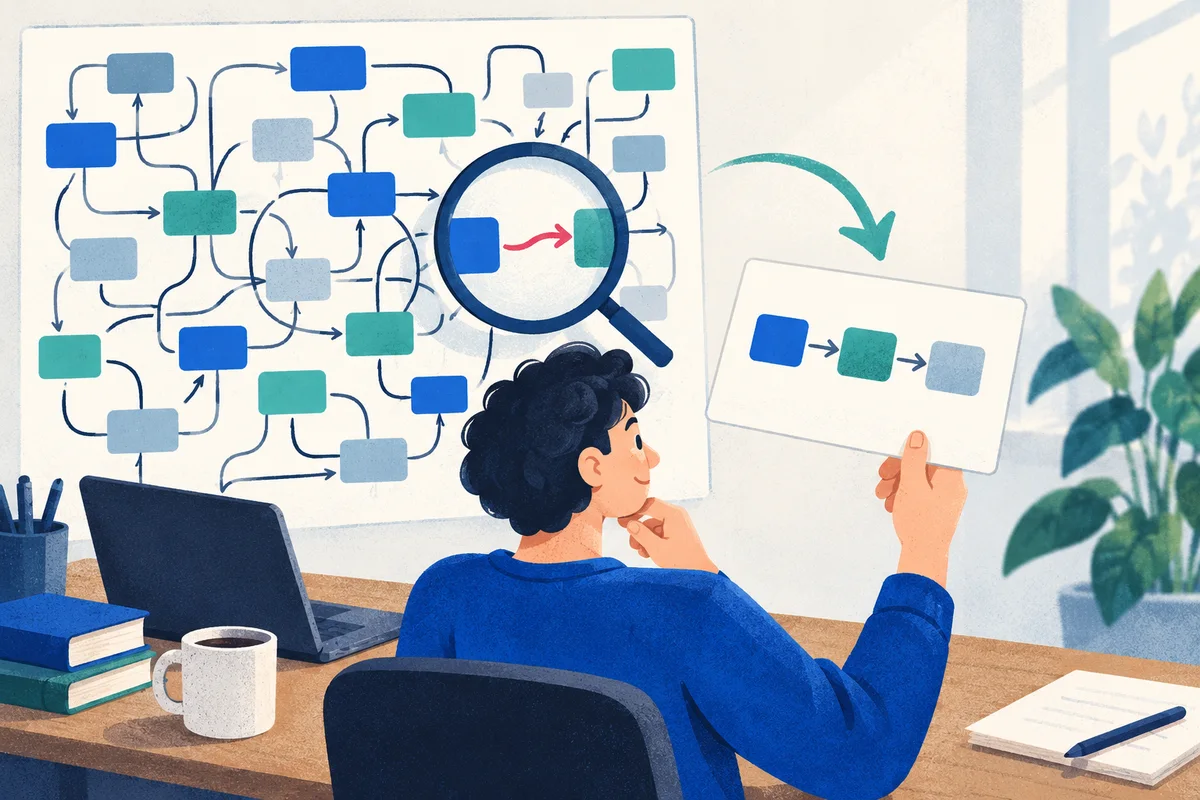
Work through an off-by-one example
Here is an intentionally broken function. Its input contract is an array of strings; its intended output is an array containing their uppercase forms.
function shoutColors(colors) {
  const result = [];
  for (let i = 0; i <= colors.length; i += 1) {
    result.push(colors[i].toUpperCase());
  }
  return result;
}

shoutColors(["red", "green", "blue"]);
The expected return value is ["RED", "GREEN", "BLUE"]. Instead, the call throws a TypeError when it tries to call toUpperCase() on undefined. The error's wording can vary by runtime.
Start with a question: Which value is undefined, and when? A learner might suspect the array contains an empty entry. Another might suspect the loop runs too many times. Ask for evidence that separates those explanations.
Add this diagnostic line immediately before result.push(...):
console.log({ i, length: colors.length, value: colors[i] });
The final logged iteration has i equal to 3, a length of 3, and a value of undefined. The existing elements have indices 0, 1, and 2. The condition i <= colors.length admits an extra iteration.
For a debugger-based check, place a breakpoint on the result.push(...) line and step through the iterations. On the extra iteration, inspect i, colors.length, and colors[i] before allowing the failing call to run. Pausing the code lets the learner examine the state rather than infer it from the exception alone.
Change the comparison to i < colors.length. Then rerun the original call and check these cases too:
// Run after correcting the loop condition.
shoutColors([]);              // []
shoutColors(["red"]);         // ["RED"]
shoutColors(["red", "blue"]); // ["RED", "BLUE"]
Those checks support the fix for the stated string-array contract; they do not establish behavior for every possible input. Remove the temporary log when you finish. Ask each learner to explain why changing the comparison fixes the cause, while catching and ignoring the exception would leave the extra iteration unresolved.
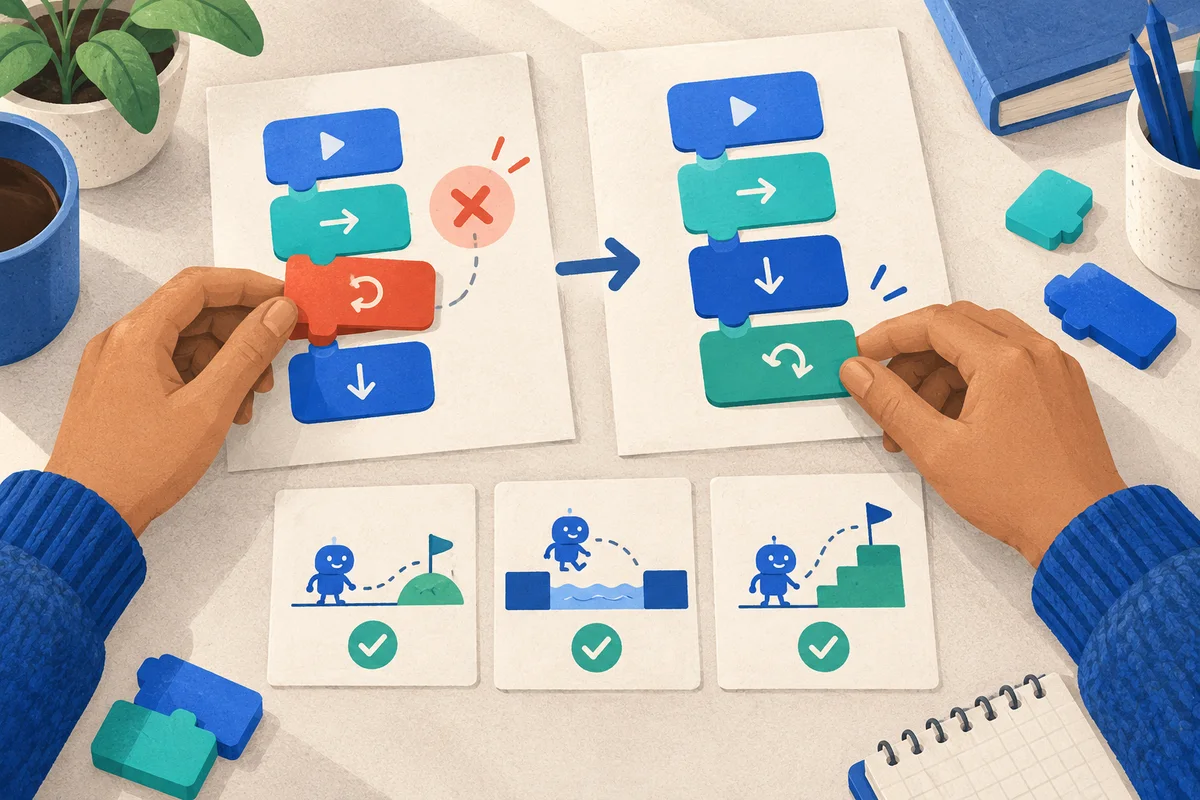
Set browser rules that leave the coding tools usable
Before the lesson, test the meeting, exercise, repository, sign-in flow, and documentation links in a participant browser. A browser-based editor may open a preview on a different hostname; test that route rather than assuming the editor's main domain covers it. Our website-blocking setup guide covers checking the complete resource path.
In Focus Room, whitelist the domains the lesson needs. During an active extension session, off-list visits in the participating Chrome or Edge browser can be redirected and reported to the host. Explain that visibility, ask learners to save unrelated tabs before joining, and share the participant joining guide. Provide another participation route for anyone unable to use the extension.
Rules apply to hostnames and their subdomains, not one repository, exercise, or documentation page. Focus Room depends on the extension remaining active and does not control other browsers, devices, or desktop apps. A local editor and terminal remain outside that website boundary.
Focus Room does not inspect source code, capture the debugging screen, run the checks, or grade the fix. Ask learners to show their code or output through your usual teaching workflow. Use the session report for access and participation context, rather than as a measure of debugging ability.
Close with a reasoned explanation
End by asking learners to complete: “I expected ___, observed ___, tested ___, and changed ___ because ___.” If the bug remains, record the smallest reproduction and next experiment so the investigation can continue.
End the Focus Room session when the focused lesson finishes and confirm participants have left. To try this format, create a Focus Room account and rehearse the exercise with a colleague before inviting your group.