
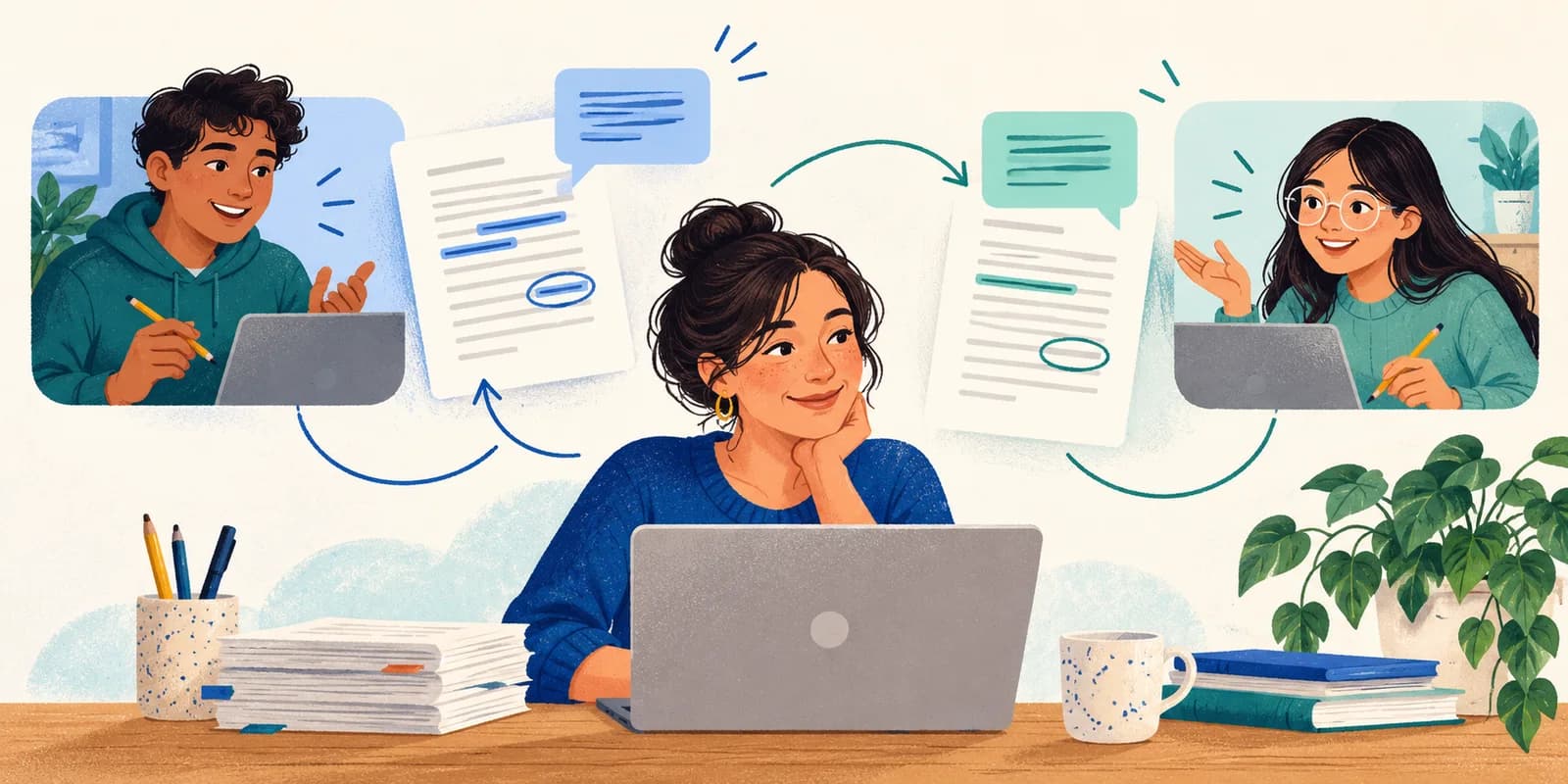
An online writing workshop needs a clear task, time to read another person's work, and a chance to use the feedback before everyone leaves. For a short workshop, ask each writer to finish one paragraph and one revision decision. That gives the session an observable outcome without requiring a polished essay.
The 35-minute plan below is a suggested format you can adapt for a tutoring group or class. Your document platform holds the drafts and comments. Focus Room helps you run a focused browser session alongside that work by applying a room's website whitelist in the participating browser.
Decide what writers will practice
Choose one writing goal before choosing websites. For example: “Make a claim and explain how one piece of evidence supports it.” Give participants the same short prompt and two review questions:
- What do you understand the writer's main claim to be?
- Where does the evidence need more explanation?
Keep the goal narrow enough for a peer to assess in a few minutes. If the group is still developing its argument, save punctuation corrections for a later pass. George Mason University's Writing Center recommends prioritizing concerns such as content, organization, and argument, and explaining the reason behind a suggestion. Its guide to providing feedback is a useful reference to share before the workshop.
Tell writers what to bring: a short draft, access to the chosen document platform, and permission to share that draft with their assigned partner. For a first session, a paragraph is easier to read carefully than a full paper.
Use this 35-minute workshop agenda
Assign partners before the call, using your class list or learning platform. Put the prompt, review questions, partner assignments, and submission instructions in one place. The timings here are a starting point; a group reading longer drafts will need more review time.
| Time | Facilitator action | Writer output | Focus Room role |
|---|---|---|---|
| 0–5 minutes | Explain the goal, demonstrate one comment, and check access. | An open draft and a clear review question. | Participants join the room and check the allowed resources. |
| 5–15 minutes | Hold a quiet drafting block and handle access problems. | One paragraph ready for a partner to read. | Off-list visits can be redirected in the participating browser. |
| 15–25 minutes | Ask partners to read, then respond to the review questions. | Specific feedback in the document or review form. | The room keeps the same website rules; comments stay in the writing platform. |
| 25–32 minutes | Ask writers to choose a suggestion and revise. | A changed paragraph and a reason for the change. | Website rules remain active while participants stay in the session. |
| 32–35 minutes | Collect an exit note and end the session. | One next step for the draft. | Review session information afterward for access and setup issues. |
Announce the transitions yourself or use a separate timer. This agenda is a teaching plan, not an automatic sequence of Focus Room activities. Focus Room does not assign review partners, host drafts, or collect peer comments.
Give reviewers a script they can use
“Give helpful feedback” leaves a lot for a new reviewer to interpret. Instead, ask for a short response with a location and a reason:
- Name a strength. Point to a sentence or idea worth keeping and explain what it does for the reader.
- Describe one difficulty. Identify the passage where the argument becomes unclear. Explain what you need to understand it.
- Ask a question. Give the writer a question they can answer through revision.
Ask reviewers to read the whole paragraph once before commenting. A sentence that seems confusing at first may become clear later. Comments should describe a reader's experience rather than judge the writer's ability.
For example, “Your explanation after the quotation helped me see why the evidence matters” tells the writer more than “Good job.” “I can't tell who ‘they’ refers to in the second sentence” identifies a problem the writer can act on.
Show how a comment becomes a revision
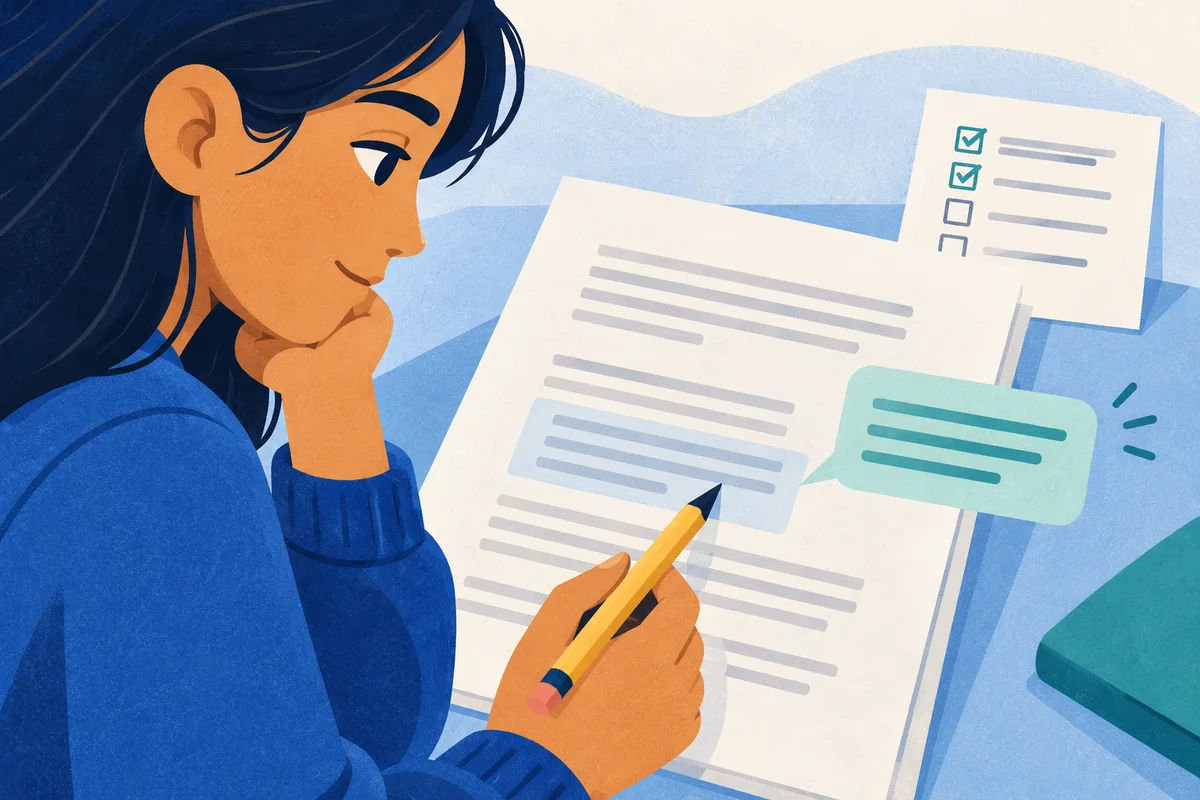
Use an invented practice paragraph before students exchange their own work. Here is a small example about a proposed library service, with no factual claim about a real library.
Draft:
The library should open a quiet room at lunchtime. Students need it. This would make the library better.
Peer response:
The first sentence makes your proposal clear. In the second sentence, I don't know which students need the room or what they would use it for. What could someone do there that is difficult in the current lunchtime space?
Possible revision:
The library should open a quiet room at lunchtime for students who want to read or finish individual assignments. A designated quiet space would let them work without having to find an empty classroom.
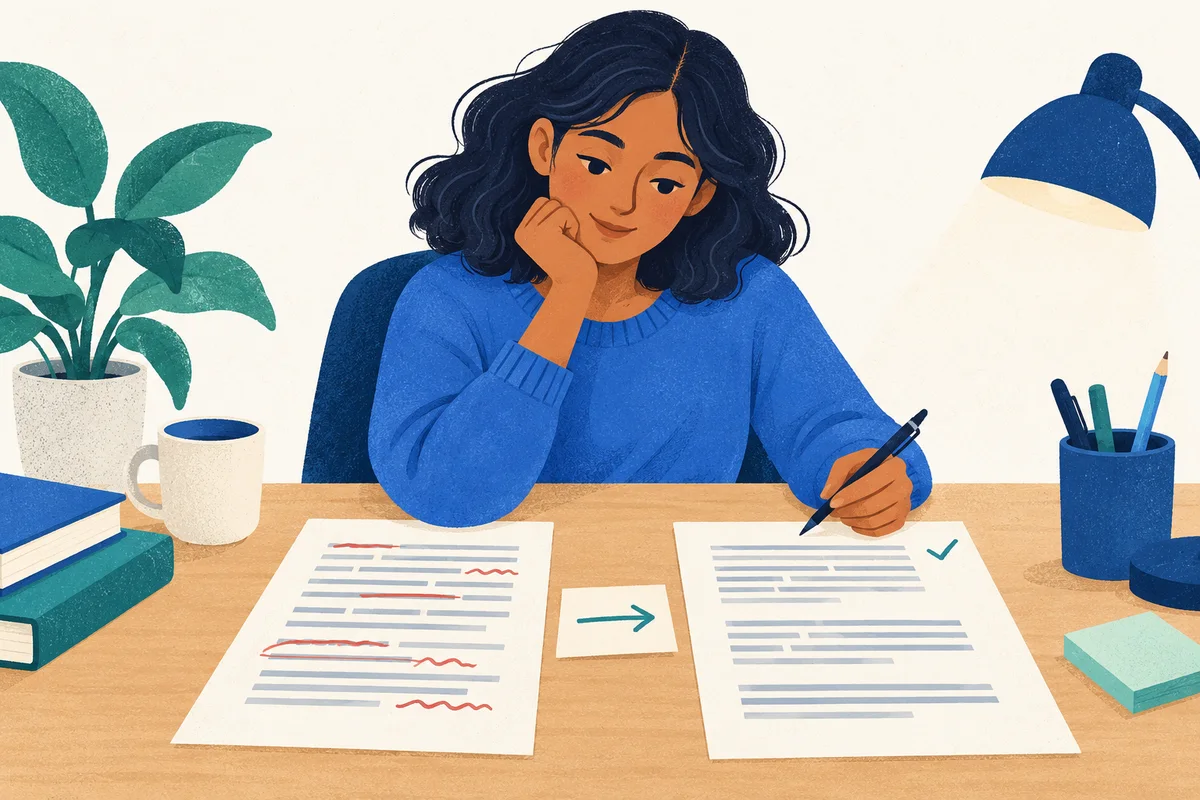
The revision answers the reader's question. It still needs evidence if the assignment requires evidence, and the writer could choose a different answer. Make that distinction explicit: a peer's suggestion is input for a decision, not a command to accept every edit.
During the revision block, ask each writer to finish this sentence: “I changed ___ because ___.” If they reject a suggestion, ask them to explain why. Collect that note with the paragraph through your normal submission route.
Prepare the browser session around the writing task
Create a Focus Room room with the websites needed for instructions, drafts, reference material, submission, and any browser-based call. Test the actual workflow with a participant before the workshop: opening a link is only the first step. Check sign-in, document access, commenting, and submission too.
For a workshop using a shared document service, add the domains required by that service and its sign-in flow. Avoid copying a generic list without testing your own assignment. Our website-blocking setup guide covers building and checking a lesson whitelist.
Focus Room normalizes website entries to hostnames and allows the listed hostname and its subdomains. An entry for a document domain applies across that domain; it does not grant access to only one draft. Document ownership, sharing permissions, and comment permissions belong to the document platform. Check them there before participants join.
If the activity requires open-ended source discovery, consider doing that research before this focused drafting and review session. Repeatedly approving search-result domains can interrupt a short workshop. Keep a route for requesting a missing resource, and allow time for a whitelist change to reach participants before asking them to retry.
Before sharing the room code:
- Explain the allowed websites and the session's purpose.
- Tell participants that the host can see participation information and reported off-list website events. The session-report guide explains how to interpret that information.
- Ask writers to save work in other tabs: joining can redirect existing tabs outside the whitelist.
- Provide the participant joining guide for the Chrome or Edge extension workflow.
- Arrange another way to participate for anyone who cannot use the extension, following your institution's requirements.
The extension applies website rules in the participating browser while the session is active. It does not control other browsers, phones, or desktop apps, and it depends on the extension remaining active. A blocked-site event cannot tell you whether a paragraph is thoughtful or whether feedback is useful.
Handle workshop problems without losing the review time
A partner cannot open the draft. Check the document's sharing permissions and signed-in account first. If the browser shows Focus Room's blocked page, check the required domain as well. Changing the room whitelist does not fix document permissions.
The feedback is only praise or spelling corrections. Return to the two review questions. Ask the reviewer to point to a specific sentence and describe what they understood or still need explained. Model one response aloud if necessary.
One writer finishes early. Ask them to explain how their chosen evidence supports the claim, or to draft a question for the next revision. Avoid adding unrelated websites just to fill the remaining minutes.
A writer has no draft to share. Offer a short practice paragraph or let them review your demonstration text. Give them a defined role so their partner still receives feedback. Decide separately how unfinished preparation affects the assignment.
End with a revision decision
Collect the revised paragraph and the “I changed…” note before ending the call. End the Focus Room session when the focused work period is over, and ask participants to confirm they have left the session.
Afterward, review the writing itself for progress toward the lesson goal. Use the Focus Room report to investigate practical issues, such as several participants encountering the same missing resource, rather than treating website events as a writing grade.
For the next workshop, change one part of the plan based on what you observed. If comments were vague, improve the model response. If sign-in consumed the opening minutes, test that route again. If revision felt rushed, shorten the drafting task or extend the session.
To try the format, create a Focus Room account, prepare a short prompt, and test the complete workshop route with a colleague before inviting your group.