
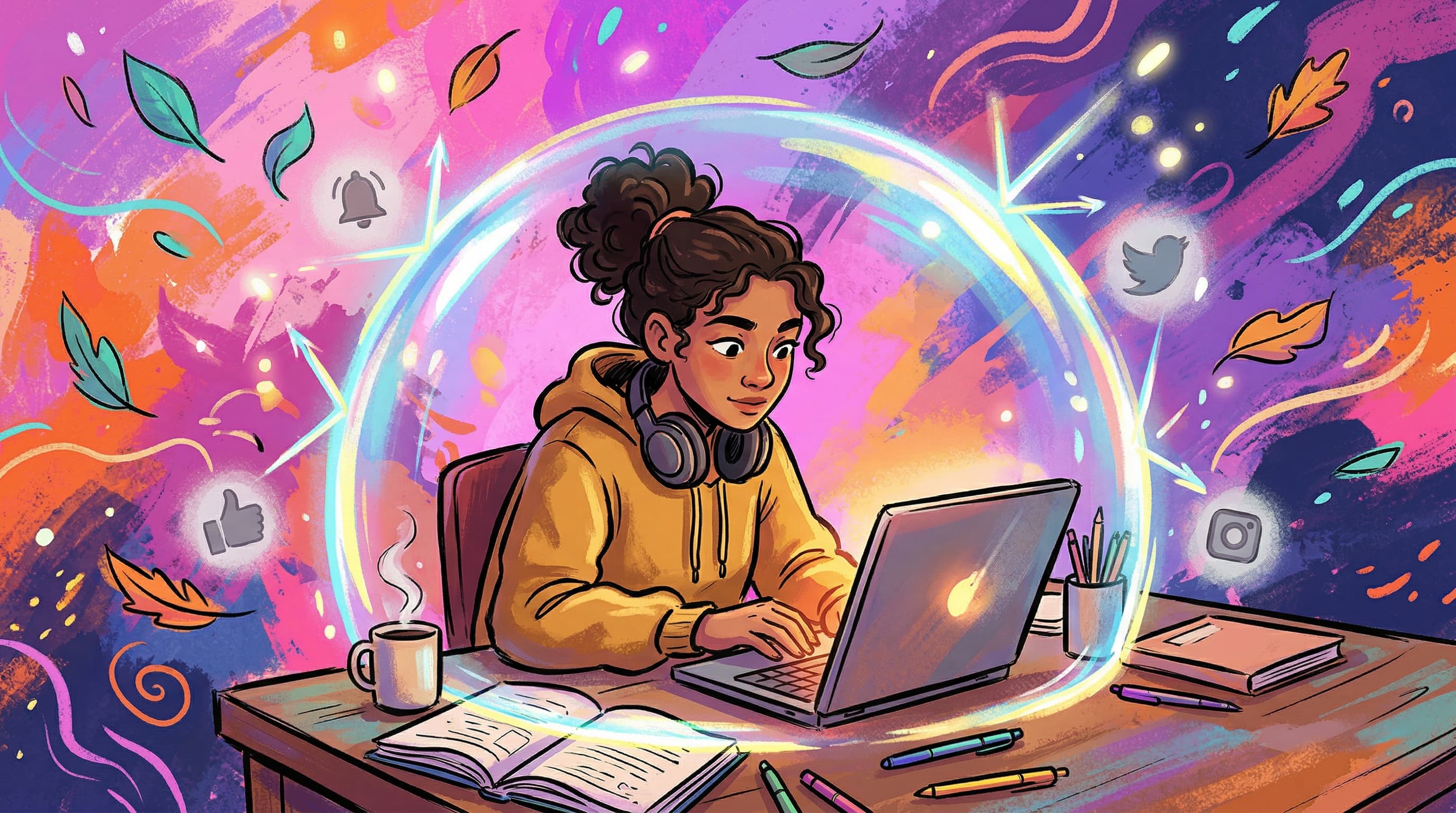
"Just reduce your screen time."
Great advice—if you're not a student in 2026.
Students can't simply "spend less time on screens." Their homework is on screens. Their textbooks are on screens. Their study groups meet on screens. Telling a student to reduce screen time is like telling a chef to spend less time in the kitchen.
The real question isn't how much time students spend on screens. It's what they're doing on those screens—and whether they can control the boundary between productive and unproductive use.
The Screen Time Paradox in Education
Research on screen time and academic performance tells a complicated story.
The OECD's report on managing screen time found that moderate, purposeful screen use is associated with better academic outcomes. Students who use devices for learning outperform those who avoid technology entirely.
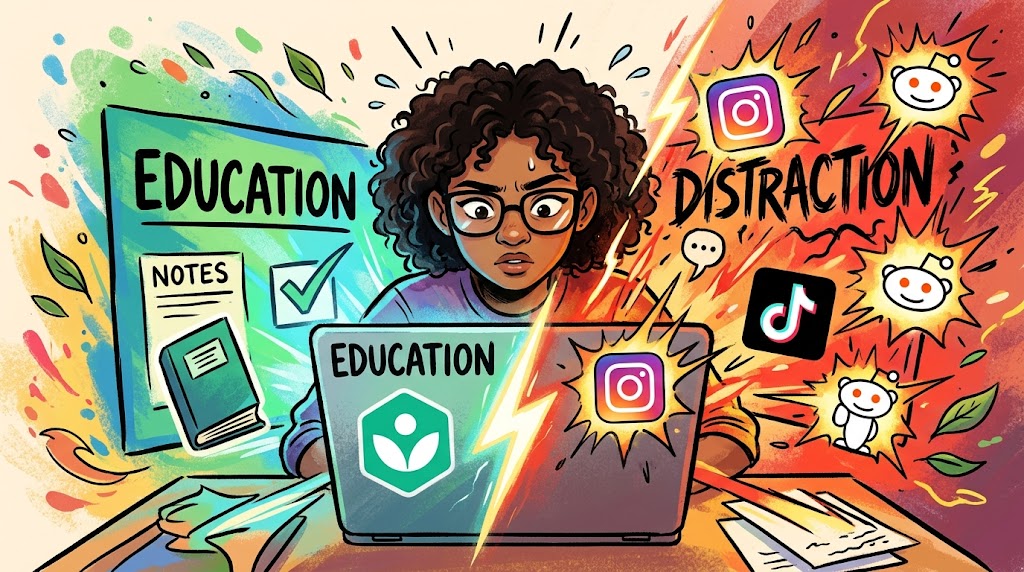
But here's the catch: students who use devices for learning and get distracted by non-academic content perform the worst of all three groups. The device that helps them learn is the same device that pulls them away from learning.
This is the screen time paradox: the solution isn't less screen time—it's better screen time.
Why Traditional Screen Time Limits Don't Work for Students
Problem 1: They Don't Distinguish Productive from Unproductive Use
iOS Screen Time and Android Digital Wellbeing track total hours per app. They can't tell the difference between a student researching on Chrome for 3 hours vs. browsing Reddit for 3 hours. Both show up as "3 hours of browser use."
Problem 2: Academic Work Has No Fixed Duration
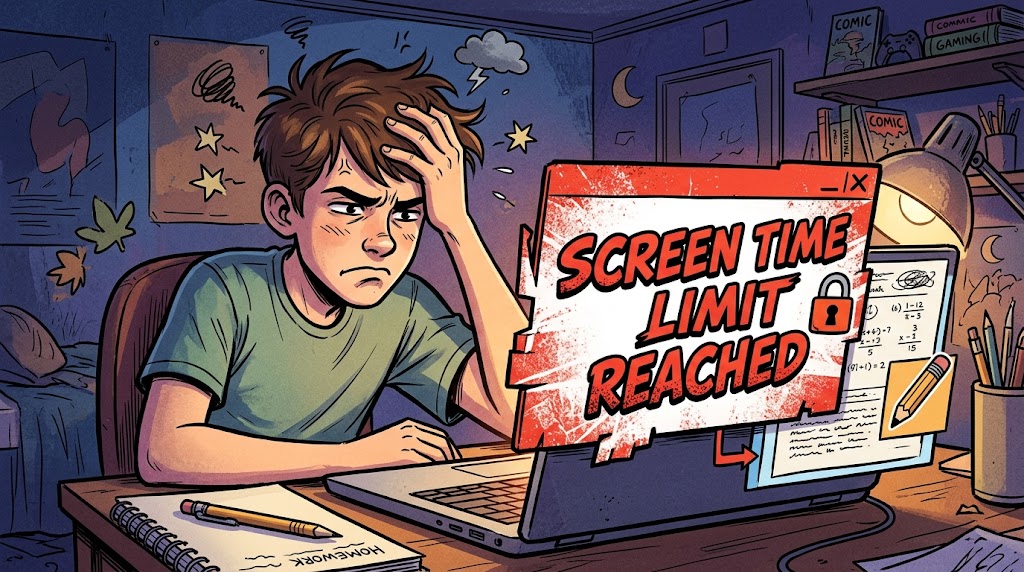
You can't set a 2-hour screen limit when an assignment takes 4 hours. Students either hit the limit and can't finish their work, or they override it and lose the boundary entirely.
Problem 3: Students Need Different Tools at Different Times
A math assignment needs a calculator and Khan Academy. An English essay needs Google Docs and citation databases. A group project needs Slack and shared documents. Static screen time rules can't adapt to these shifting needs.
Problem 4: Willpower Is a Terrible Strategy
Telling students to "just focus" when Instagram is one tab away is asking them to win a fight against billion-dollar attention engineering. The research is clear: environment design beats willpower every time.
What Actually Works: Evidence-Based Strategies
1. Context-Based Access Control
Instead of limiting total screen time, control what's accessible during focused work.
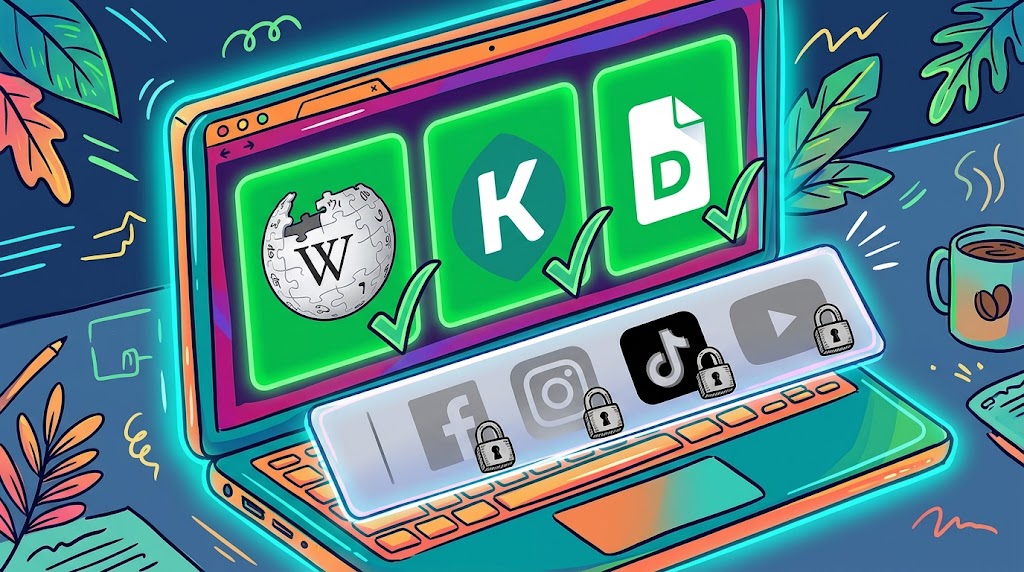
This is the whitelist approach: during study time, only the websites and apps needed for the task are available. Everything else is blocked—not forever, just during the session.
Focus Room uses this model. When a student joins a focus session, the host's whitelist determines which sites are accessible. Social media, entertainment, and unrelated apps are blocked for the duration of the session. When the session ends, full access returns.
This respects the reality that students need screens for hours. It just ensures those hours are spent on the right things.
2. Structured Time Blocks
Research on the Pomodoro Technique and time blocking consistently shows that structured work periods with defined breaks improve focus and reduce the urge to switch to distracting content.
A practical schedule for students:
Block | Duration | Screen Access |
|---|---|---|
| Focus block | 45-50 min | Whitelisted study sites only |
| Break | 10 min | Unrestricted (or ideally, screen-free) |
| Focus block | 45-50 min | Whitelisted study sites only |
| Long break | 15-20 min | Unrestricted |
The key insight: breaks aren't a reward for focusing. They're a pressure valve that makes sustained focus possible. Students who know a break is coming in 45 minutes resist distractions better than those facing an indefinite study marathon.
3. Social Accountability
Studies on body doubling and social facilitation consistently show that working in the presence of others—even virtually—significantly reduces off-task screen behavior.
When someone else can see that you switched to YouTube, you're less likely to switch. Not because of punishment, but because of social awareness.
This is why study groups and library sessions work better than studying alone at home. The social environment creates natural screen discipline that willpower alone can't provide.
Focus Room combines social accountability with whitelist enforcement. Join a room with classmates, and the social presence plus technical guardrails create an environment where productive screen time is the default.
4. Environmental Design
Small changes to the digital environment have outsized effects:
- Remove social media bookmarks from the browser toolbar during study hours
- Use a separate browser profile for academic work (no saved logins to distracting sites)
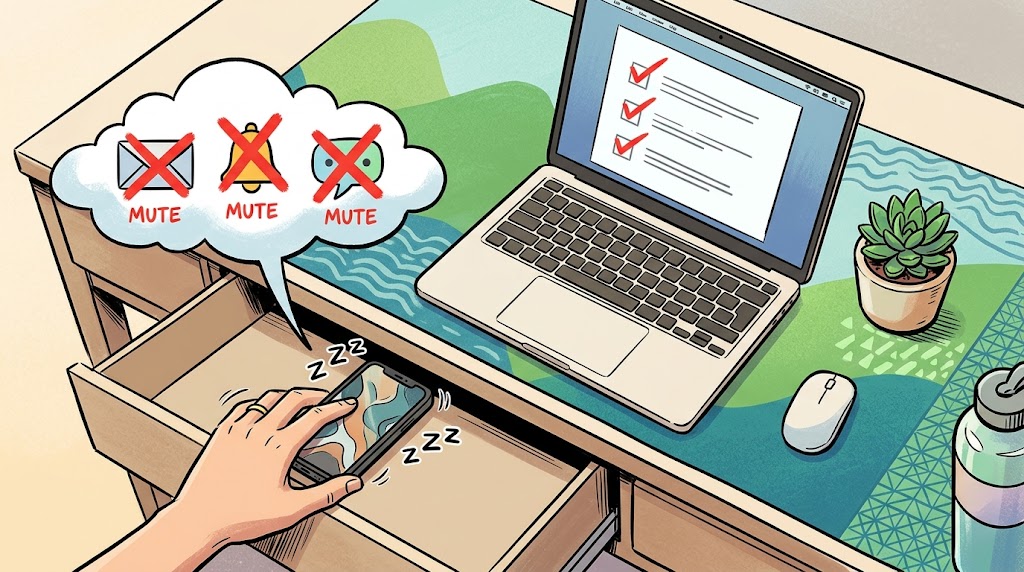
- Turn off all non-essential notifications during study blocks
- Use full-screen mode for the active task to reduce visual triggers
- Keep the phone in another room during focused screen time (the mere presence of a phone reduces cognitive capacity, even when it's face-down)
These aren't dramatic interventions. They're friction—small barriers that make the unproductive choice slightly harder and the productive choice slightly easier.
5. Self-Monitoring (Not Just External Monitoring)
The most sustainable screen time management happens when students develop their own awareness.
Tools like Focus Room's violation tracking help with this. When a student can see that they tried to access Instagram 7 times during a 2-hour study session, that data becomes a mirror. It's not about punishment—it's about pattern recognition.
Over time, students who review their own distraction patterns develop better self-regulation. They start noticing their triggers ("I always open Reddit around the 30-minute mark") and can design around them.
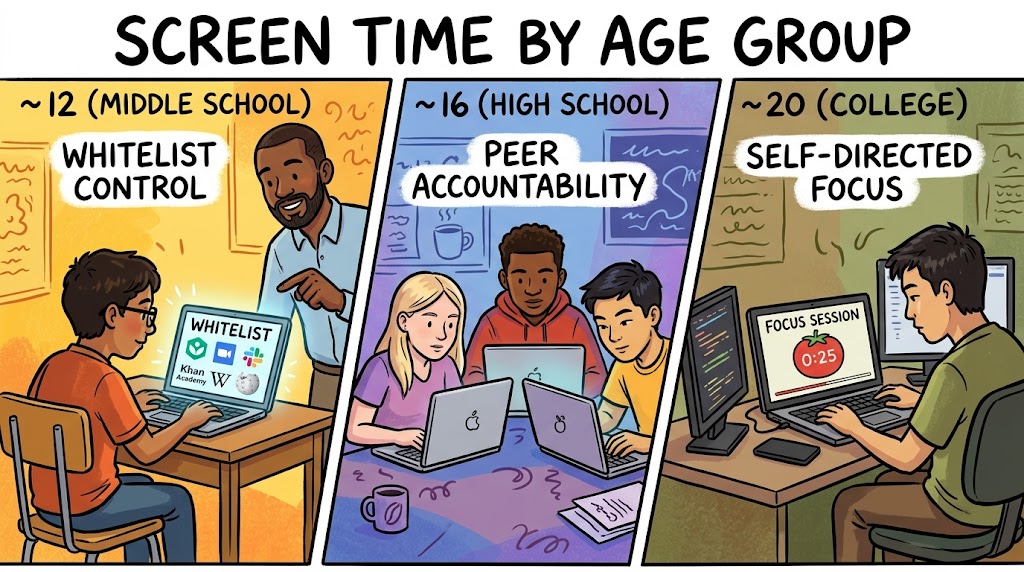
Screen Time Management by Age Group
Different age groups need different approaches:
Middle School (Ages 11-14)
- More structure, less autonomy. Teacher or parent-managed whitelists during study time.
- Shorter focus blocks. 25-30 minutes with 5-10 minute breaks.
- Device-free breaks. Encourage physical movement during breaks rather than switching to entertainment screens.
- Co-study sessions. Use Focus Room to create monitored study groups where the teacher manages the whitelist.
High School (Ages 14-18)
- Gradual autonomy. Start with managed whitelists, transition to self-managed as students demonstrate responsibility.
- Longer focus blocks. 45-50 minutes mirrors typical class periods.
- Peer accountability. Study groups using Focus Room where students hold each other accountable.
- Self-reflection tools. Review violation reports together and discuss patterns.
College / University (Ages 18+)
- Self-directed management. Students create their own Focus Room sessions with personal whitelists.
- Accountability partners. Body doubling and peer sessions replace external enforcement.
- Extended deep work blocks. 90-minute sessions for intensive academic work.
- Data-driven optimization. Use session reports to identify peak productivity times and distraction patterns.
What Parents Can Do
If you're a parent trying to help your student manage screen time:
Stop counting total hours. Focus on what's happening during those hours instead.
Help set up the environment. Create a dedicated study space, help configure browser profiles, and support screen-free break habits.
Use managed sessions for younger students. Create a Focus Room session with a whitelist tailored to tonight's homework. Your student joins, gets access to what they need, and distractions are handled.
Have the "why" conversation. Students who understand why boundaries exist are more likely to internalize them. Explain that it's not about distrust—it's about designing an environment that makes focus easier.
Model good screen behavior. If you're scrolling your phone while telling your kid to focus, the message doesn't land.
The Technology Should Work for You, Not Against You
The irony of screen time management is that the best solution involves using screens more intentionally—not less.
A student who spends 5 hours in a managed Focus Room session with a whitelist, structured breaks, and social accountability will learn more than a student who spends 2 hours "studying" with unrestricted access to every app on their device.
Quality of screen time beats quantity of screen time. Every time.
Frequently Asked Questions
Is any screen time during breaks okay? Short entertainment screen time during breaks won't undo a good focus session. The issue is when break-time browsing bleeds into the next focus block. Setting a timer for breaks and physically stepping away from the study screen helps.
What about students who use their phone as a distraction backup? The phone-in-another-room strategy is the most effective intervention. When a student's browser is whitelisted but their phone is within reach, the phone becomes the escape hatch. Physical distance is the best solution.
Do these strategies work for students with ADHD? Yes—and they're often even more effective. ADHD brains respond strongly to environmental structure and external accountability. See our guide to the best focus apps for ADHD students for more targeted recommendations.
Won't students resent being monitored? Frame it as support, not surveillance. "This session helps you focus by removing distractions" lands differently than "I'm watching what you do." Focus Room's approach is transparent and privacy-conscious by design.
How do I measure if screen time management is working? Track assignment completion rates, self-reported focus levels, and violation trends over time. If violations decrease and output increases over several sessions, the system is working.
Start Managing Screen Time That Matters
You don't need to ban screens. You need to make focused screen time the default during study hours.
Create a free Focus Room and set up your first session. Define a whitelist for tonight's homework, invite your study group or class, and experience the difference structured screen time makes.
The screen isn't the enemy. Unstructured access is.
Questions about screen time management for your students? Email us: [email protected]
— The Focus Room Team