Focus Room Blog
Tips, guides, and best practices for online classroom management

Online Tutoring Exit Tickets: 3 Prompts for the Next Lesson
Use three short closing prompts to collect learner explanations, identify uncertainty, and choose a concrete starting point for the next tutoring session.
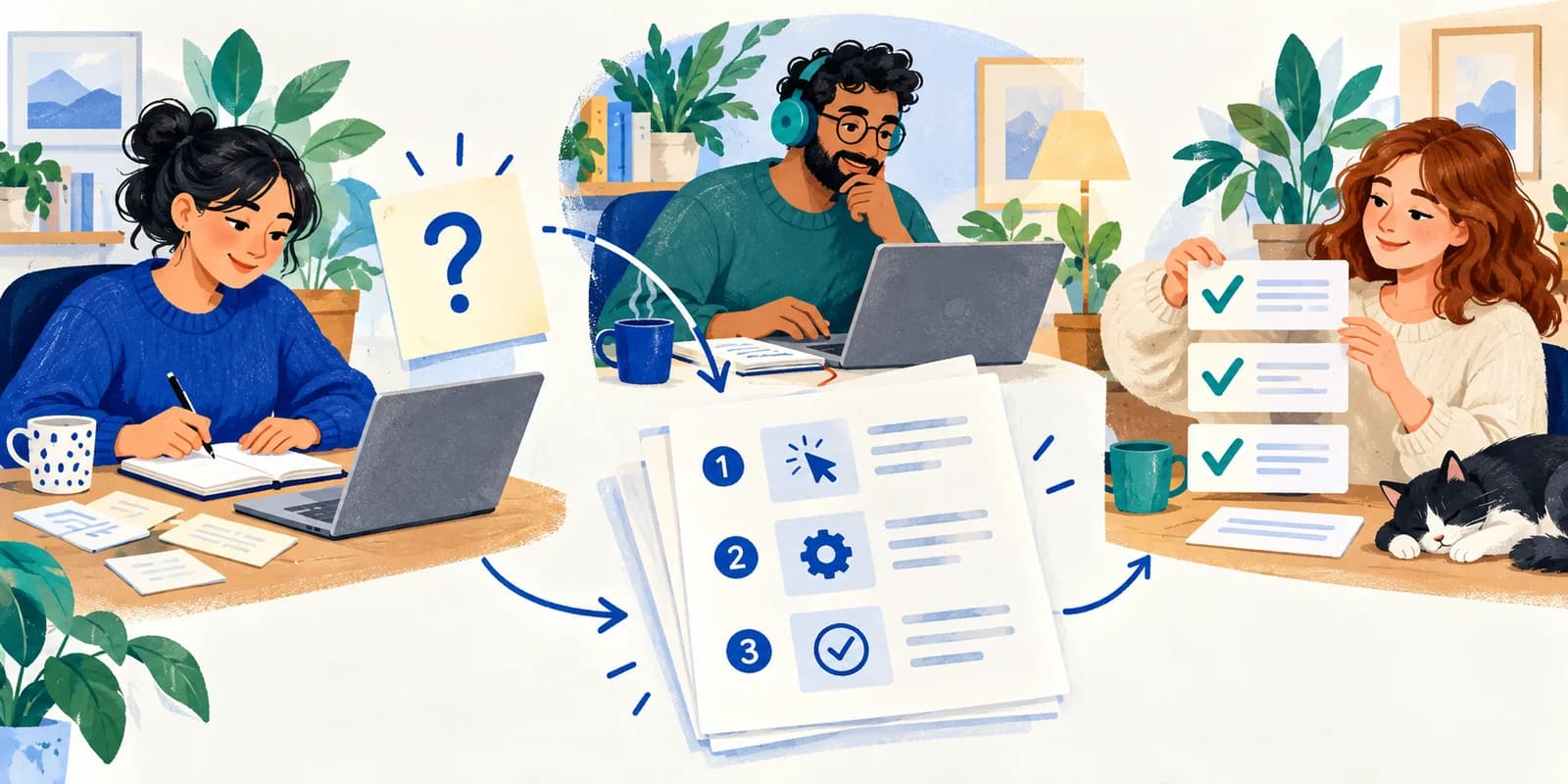
How to Turn a Recurring Support Question into a Tested Team Guide
Run a small remote documentation sprint: choose one recurring question, write for a specific reader, test the steps with a teammate, and hand off a usable guide.

How to Run an Online Debugging Session for Beginner Programmers
Help beginners investigate one bug with a minimal reproduction, a testable hypothesis, and a verified fix. Includes a JavaScript example and tutor prompts.

Online Study Group Agenda: Practice Questions and an Error Log
A practical 50-minute study-group plan: solve independently, compare reasoning, record mistakes, and choose the next question to practice.

How to Run an Online Writing Workshop With Useful Peer Feedback
A 35-minute writing workshop plan with a peer-review script, a worked revision example, and Focus Room setup advice for teachers and tutors.
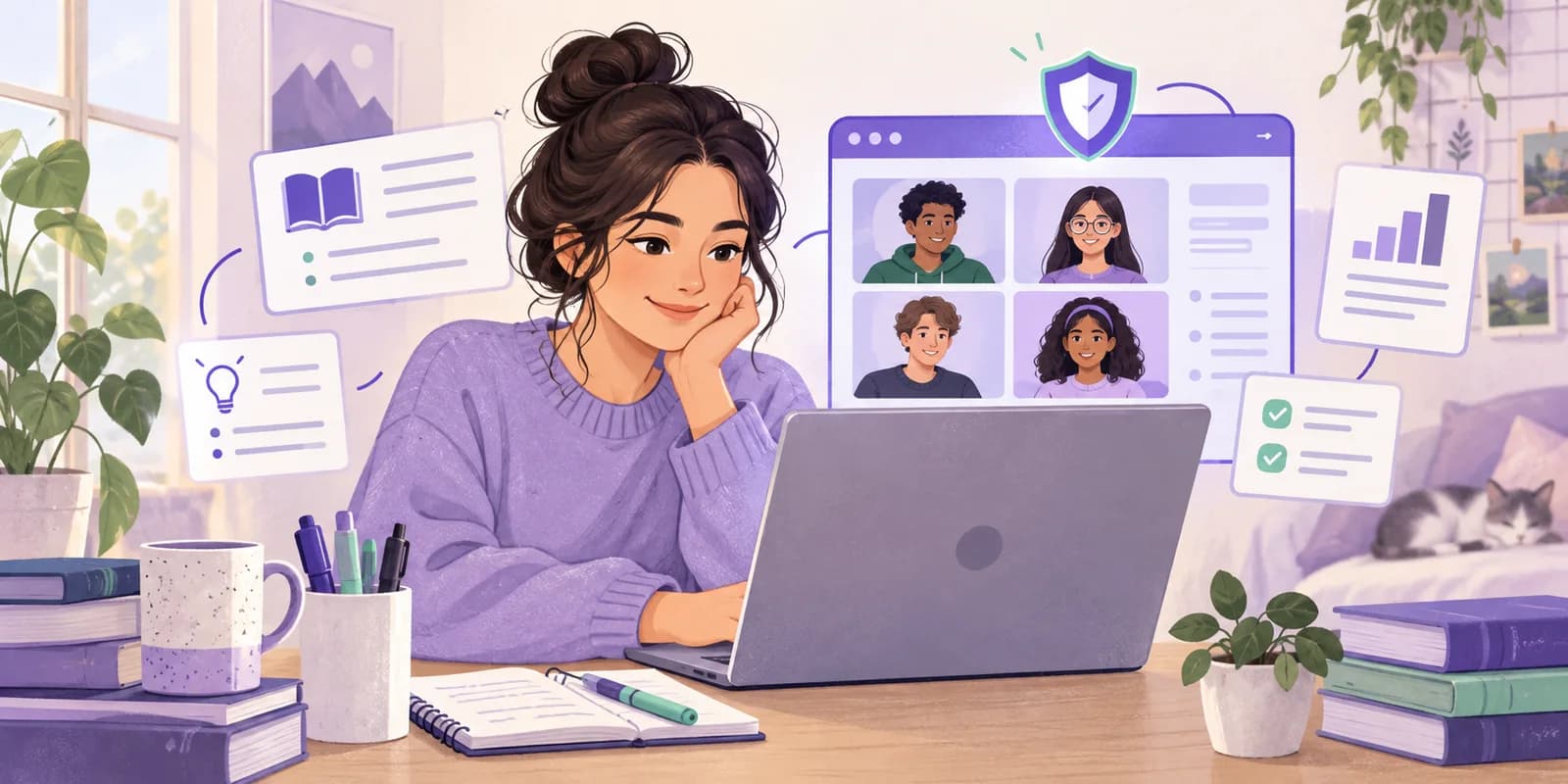
How to Join a Focus Room Session: A Student Guide
Joining a Focus Room class? Learn how to enter your room code, use approved websites, ask for a blocked learning resource, and leave your browser session.

How to Use a Focus Room Session Report to Improve Your Next Class
Review participation and website events in Focus Room, spot missing learning resources, and turn your session report into a practical plan for the next online class.
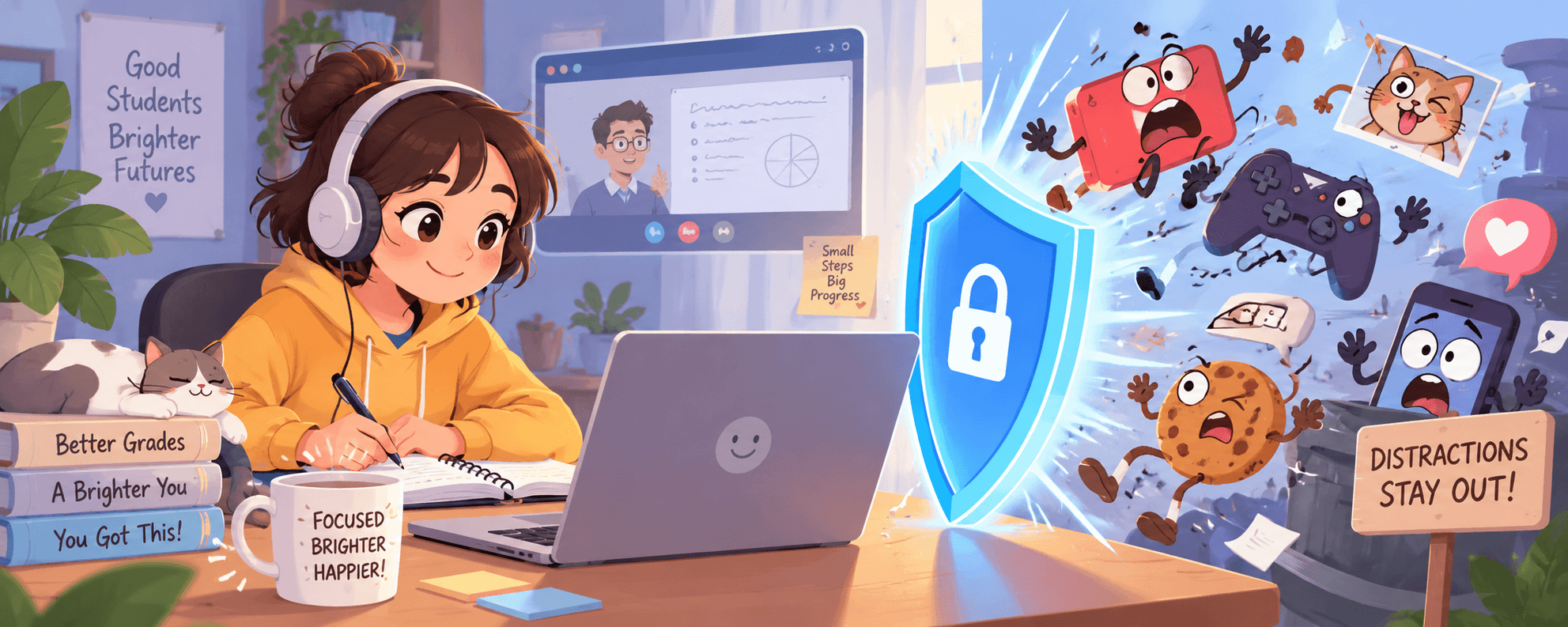
How to Block Distracting Websites During Online Classes
Set up website blocking for an online class, build a lesson whitelist, and fix blocked learning resources without restricting students' whole devices.

Chromebook Classroom Management: How to Keep Students Focused Without IT Admin Access
A practical guide for teachers managing student Chromebooks in the classroom. Learn how to block distracting websites, enforce focus during lessons, and monitor browsing—without needing your IT department.

Best Classroom Management Tools for Online Learning in 2026
A practical comparison of the best classroom management tools for online learning in 2026. We break down features, pricing, and use cases so you can pick the right one.
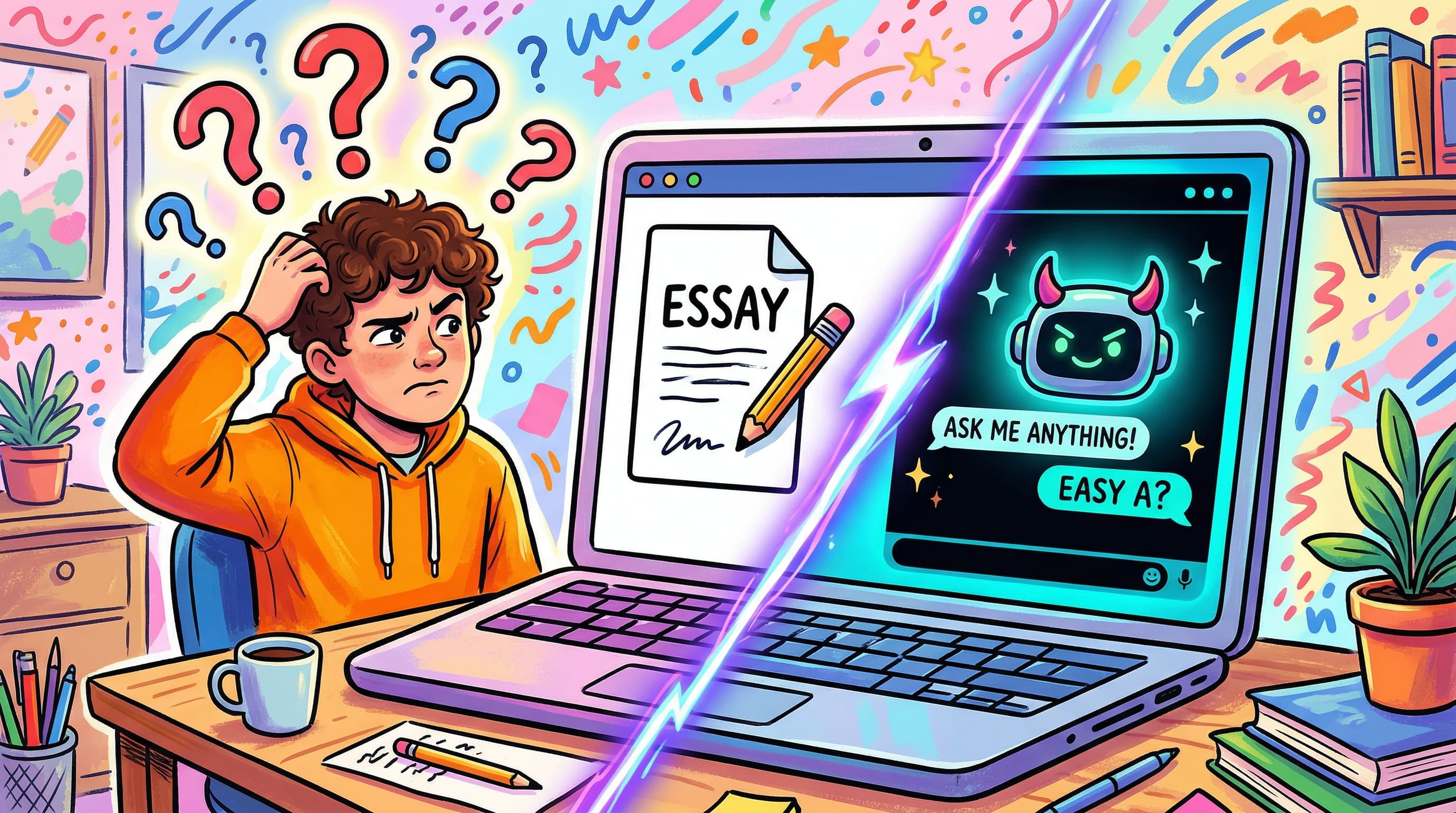
How to Manage AI Distractions in the Classroom (2026 Guide)
AI tools like ChatGPT are everywhere in classrooms. Here's how teachers can manage AI distractions without banning technology entirely — practical strategies that actually work.

Screen Time Management for Students: What Actually Works
Most screen time advice is useless for students who need devices to learn. Here's what actually works — research-backed strategies that reduce distraction without removing technology.